2026 Shopify Speed Audit Checklist
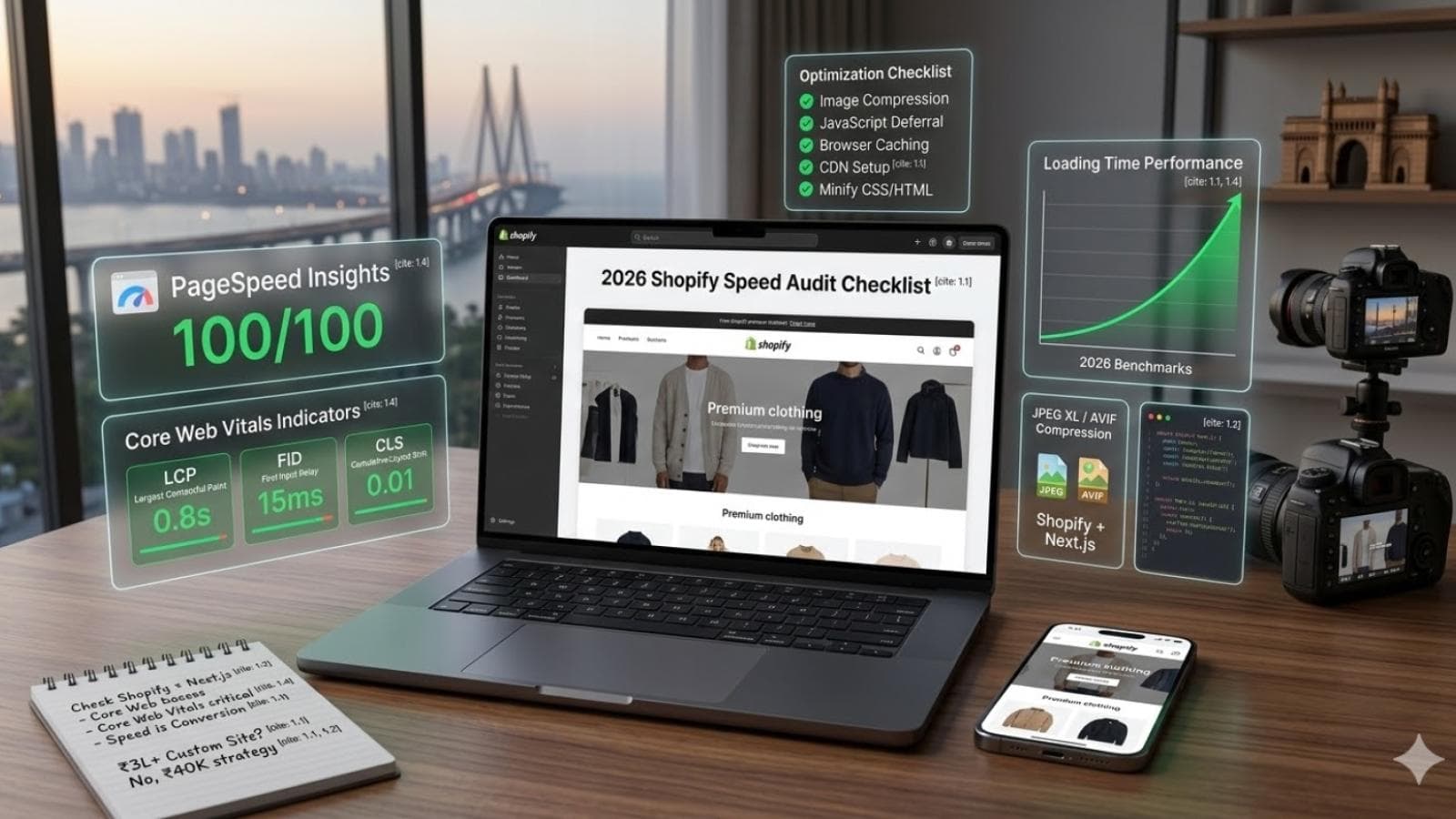
Speed is no longer a technical bonus for Shopify stores. In 2026, it is a core business requirement. A slow store does not just frustrate visitors. It increases bounce rates, weakens conversions, reduces ad efficiency, and can quietly damage your organic visibility over time.
Speed is no longer a technical bonus for Shopify stores. In 2026, it is a core business requirement. A slow store does not just frustrate visitors. It increases bounce rates, weakens conversions, reduces ad efficiency, and can quietly damage your organic visibility over time.
Many Shopify merchants focus heavily on design, apps, promotions, and product uploads, but speed often gets ignored until performance starts affecting sales. By then, the store may already be carrying unnecessary code, oversized media, too many apps, and layout issues that make optimization harder.
That is why every serious e-commerce brand needs a Shopify speed audit process.
A proper speed audit is not just about checking one score in a tool and hoping for the best. It is about understanding what is slowing your store down, how that affects real users, and what actions will actually improve performance without damaging design or functionality.
This 2026 Shopify Speed Audit Checklist will help you review the most important areas of your store so you can build a faster, more scalable shopping experience.
Why Shopify Speed Matters in 2026
Customer expectations are higher than ever. Shoppers want pages to load quickly, product images to appear smoothly, collections to scroll without lag, and checkout to feel frictionless. If a store feels slow, trust drops immediately.
Speed also affects performance across multiple channels:
Organic search visibility
Paid ad landing page performance
Mobile shopping experience
Conversion rate
Add-to-cart rate
Checkout completion
Repeat customer trust
Even a visually attractive Shopify store can underperform if it feels heavy or delayed. That is why speed should be part of your store strategy, not just a last-minute technical fix.
What a Shopify Speed Audit Should Actually Measure
A good audit should go beyond generic page load talk. It should review:
Real user experience on desktop and mobile
Core Web Vitals performance
Theme efficiency
App impact
Image and media optimization
Script loading behavior
Layout stability
Collection and product page performance
Search, filter, and cart responsiveness
Overall code cleanliness
The goal is to identify what is adding weight, what is blocking rendering, and what is creating friction in the buying journey.
1. Check Your Homepage Load Experience
The homepage is often overloaded because merchants want to showcase everything at once. Slideshows, videos, announcement bars, app widgets, featured collections, testimonials, popups, and Instagram feeds can stack up quickly.
Audit your homepage for:
Large banner images
Autoplay videos
Too many sections above the fold
Unnecessary sliders
Third-party scripts loading immediately
Heavy fonts and animations
Excessive app widgets
Ask a simple question: does every element on the homepage justify its performance cost?
If not, remove it, simplify it, or defer it.
2. Review Core Web Vitals for Key Templates
In 2026, Core Web Vitals still matter because they reflect actual user experience, not just developer preferences.
Focus on these three:
Largest Contentful Paint (LCP)
Measures how quickly the main visible content loads.
Interaction to Next Paint (INP)
Measures responsiveness when users click, tap, or interact.
Cumulative Layout Shift (CLS)
Measures visual stability and unexpected movement on the page.
Do not check only the homepage. Review performance on:
Homepage
Collection pages
Product pages
Cart page
Blog pages
Landing pages from paid campaigns
A Shopify store may pass one template and fail badly on another.
3. Audit Theme Bloat
Many Shopify stores slow down because of theme complexity. A theme may look polished, but if it includes too many features, scripts, and design layers, performance suffers.
Look for:
Unused sections and templates
Old code from previous customizations
Heavy JavaScript-based interactions
Multiple slider libraries
Excessive animation effects
Duplicate assets
Large CSS files doing too much
Premium themes often include features for many use cases, but your store may only need a smaller subset. A speed audit should identify what can be stripped down.
4. Review App Impact Carefully
App overload is one of the biggest Shopify speed killers.
Each app may add:
Extra JavaScript
CSS files
network requests
tracking pixels
widgets
hidden code snippets
dashboard embeds
storefront rendering delays
Audit every installed app and ask:
Is this app still being used?
Is it worth its performance cost?
Can the feature be handled natively or with lighter code?
Does it load on every page when it only needs to load on one?
Even after uninstalling apps, leftover code may remain in the theme. That should be cleaned up.
5. Optimize Images Properly
Images are often the heaviest assets on a Shopify store. A speed audit should check not just image quality, but image delivery strategy.
Review:
Oversized homepage banners
Product images uploaded far larger than needed
PNGs that could be lighter formats
missing lazy loading on below-the-fold images
inconsistent image sizing
poor compression
unnecessary decorative graphics
Use modern, web-friendly image practices such as:
Proper dimensions for each placement
compressed assets
responsive image delivery
WebP or AVIF where supported
clean thumbnails for collections
avoiding giant uploads “just in case”
A beautiful store does not need oversized media.
6. Test Mobile Performance First
Many merchants still review their store mostly on desktop, but real shopping often happens on phones. Mobile performance should be a primary part of your Shopify speed audit.
Check whether mobile users experience:
delayed first paint
jumpy layouts
slow image loading
sticky headers that feel heavy
intrusive popups
laggy menus
filter or search delays
slow add-to-cart interactions
A store that feels acceptable on desktop can still be frustrating on mobile. In 2026, mobile-first performance is not optional.
7. Audit Fonts and Typography Loading
Custom fonts often look nice but can slow down the first visual experience if not handled carefully.
Review:
Too many font families
Too many font weights
loading fonts that are barely used
external font requests
render-blocking typography behavior
Simplifying font usage can create a meaningful speed improvement without visibly harming design quality.
8. Reduce Third-Party Script Weight
Third-party tools are useful, but they add up fast.
Common sources include:
analytics tools
chat widgets
review tools
popups
heatmaps
personalization tools
remarketing pixels
affiliate tracking
A/B testing tools
A speed audit should classify scripts into three groups:
Essential
Useful but deferrable
Unnecessary
Many stores keep loading tools they no longer actively use. These silent performance costs can be substantial.
9. Review Product Page Speed in Detail
Product pages matter more than almost any other template because they directly influence buying decisions.
Audit product pages for:
image gallery performance
video embedding strategy
accordion or tab behavior
review widget loading
related product blocks
sticky add-to-cart logic
size chart popups
personalization widgets
dynamic recommendation scripts
Product pages should feel smooth, focused, and fast. A cluttered or script-heavy product page can reduce trust right before purchase intent peaks.
10. Check Collection and Filtering Performance
Large catalogs often create speed problems on collection pages.
Review:
number of products loaded per page
filter behavior
sorting responsiveness
infinite scroll performance
swatch handling
quick-add features
collection image weight
badge logic
custom product cards
Filters and merchandising tools are valuable, but they should not make browsing feel delayed or unstable.
11. Audit Search Performance
Search is a major part of store usability, especially for growing catalogs.
Check:
predictive search speed
search overlay responsiveness
result relevance
image load behavior inside search
mobile search interaction
whether search scripts delay initial page load
A slow search experience creates friction for high-intent users who already know what they want.
12. Review Cart and Checkout Experience
Even if the rest of the site is fast, cart and checkout friction can still damage conversions.
Audit:
cart drawer speed
update quantity responsiveness
coupon field behavior
shipping estimator weight
upsell blocks in cart
subscription widgets
checkout redirection smoothness
Too many dynamic cart features can slow down the moment when users are closest to buying.
13. Look for Layout Shift Problems
Visual instability makes a store feel unpolished and unreliable.
Common causes include:
images without reserved space
font swapping
popups appearing suddenly
delayed review widgets pushing content
sticky bars loading late
app injections changing layout after paint
Even small layout shifts can frustrate users, especially on mobile. Your audit should identify where elements move unexpectedly.
14. Audit Content Pages and Blogs Too
Many stores ignore non-product pages during speed optimization. But blog pages, guides, and landing pages often attract search traffic and top-of-funnel visitors.
Review:
embedded videos
oversized content images
table-of-contents scripts
social share tools
author widgets
related post modules
banner overload
poor mobile spacing
These pages should support fast discovery and reading, not feel weighed down by unnecessary features.
15. Review Redirects, Broken Assets, and Legacy Code
Older Shopify stores often carry technical leftovers from redesigns, app removals, and theme edits.
Audit for:
broken links
unused code snippets
duplicate scripts
old app code
redundant redirects
dead CSS rules
assets that no longer serve the store
Performance problems are often cumulative. A store may not have one major issue, but dozens of smaller inefficiencies.
16. Prioritize Speed Fixes by Business Impact
Not every optimization needs to happen at once.
Organize fixes into:
High impact, low effort
Examples: removing unused apps, compressing oversized images, cleaning old scripts.
High impact, medium effort
Examples: simplifying homepage sections, reducing font load, optimizing product media.
Strategic structural fixes
Examples: rebuilding bloated templates, replacing heavy app-based features, refactoring theme architecture.
This helps merchants focus on changes that actually improve performance and revenue first.
17. Balance Design and Speed Intelligently
A Shopify speed audit should not become a blind attempt to remove everything beautiful from the store.
The goal is not “plain.” The goal is efficient.
Great e-commerce design can still be visually strong, branded, and immersive while remaining fast. The best stores combine:
intentional design
lean code
optimized media
thoughtful app use
responsive interactions
performance-first structure
Speed and brand experience should work together.
18. Make Speed Audits Recurring, Not One-Time
Performance is not a one-time project. Shopify stores evolve constantly. New apps get installed, campaigns add landing pages, design teams upload larger assets, and tracking tools expand.
That is why speed audits should happen regularly, especially:
after a redesign
after adding multiple apps
before major ad campaigns
during seasonal launches
after theme customizations
when conversion rate drops unexpectedly
A recurring audit process keeps performance from degrading quietly over time.
Final Thoughts
In 2026, Shopify speed is directly tied to store growth. A slow store costs more than patience. It can cost rankings, conversions, trust, and revenue.
A proper Shopify speed audit helps you see beyond surface-level design and identify what is truly helping or hurting performance. From homepage weight and app clutter to product page responsiveness and mobile UX, every part of the store should be reviewed with both user experience and business results in mind.